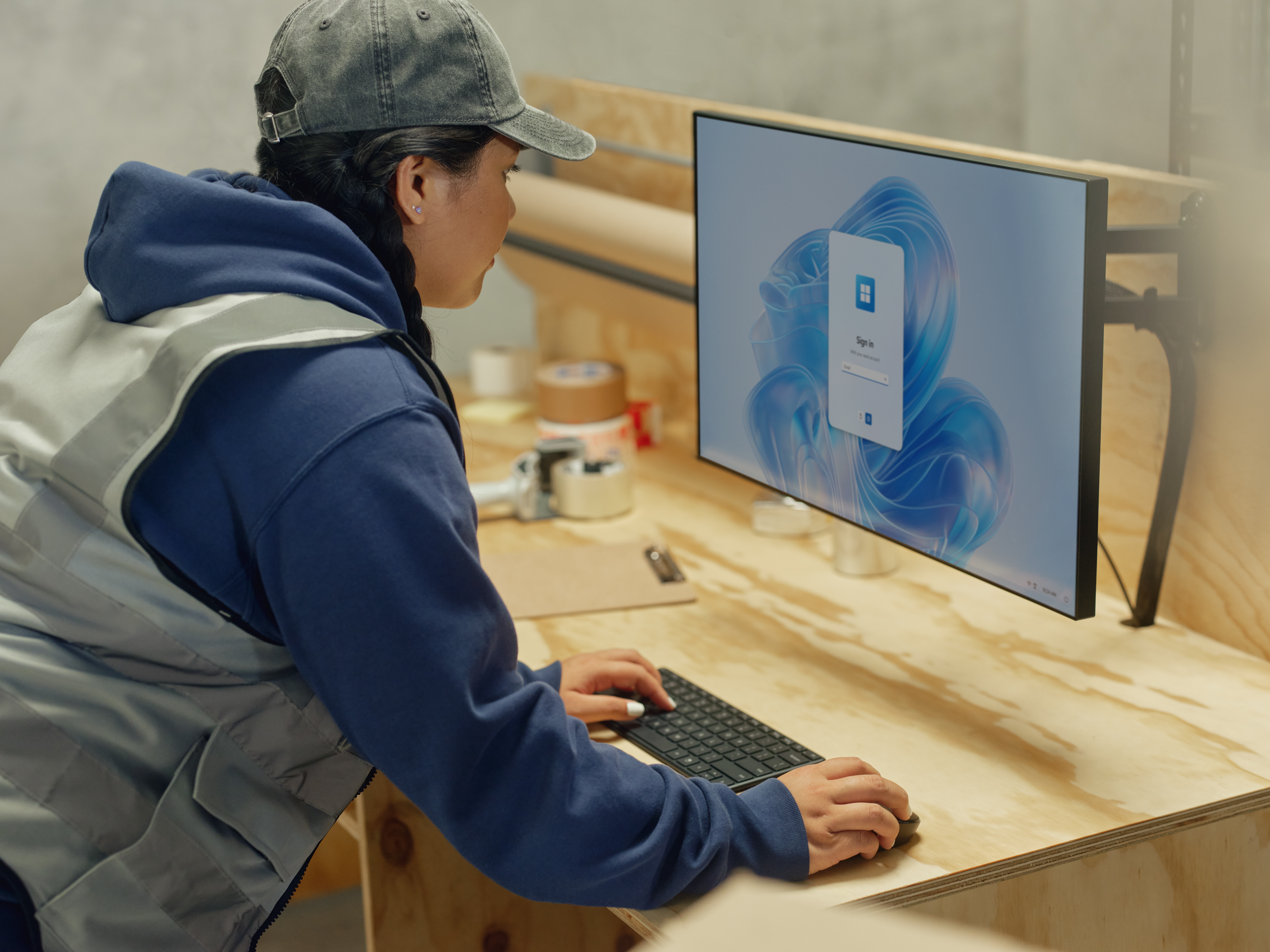



If you’ve been following our Windows 365 series so far, you should hopefully know by now just how game-changing our solution is for any organization (but if you’ve missed it, this is a good place to start).
From powering flexible and secure work on any device to supporting seamless shift and remote work, Windows 365 Cloud PCs are a true game-changer for any organization looking to drive productivity while keeping costs down.
So, how do you get started on it? How do you arrange a pilot? The short answer is it’s very simple – and it will be worth your time. But to help you a bit more, we’ve put together a checklist of steps you can take to make it even easier. And remember: your Microsoft account team is always there to help if needed.
1) Make some considerations
First off, you need to figure out what kind of environment and the kinds of users you need to test it. Map out where your end users are located, as well as the groups and Azure regions required. You’ll also have to decide which management groups will perform the configuration of your Cloud PC service, which ones will manage the device, and who will be responsible for the software distribution to the devices. Finally, make sure that your software environment is isolated from the physical device to enhance security.
2) Determine access organizational apps and data
Next, decide what organizational applications and data you will need to access. Make sure you list all of them out and tailor them to the specific use case you have in mind.
3) Connect your teams
Based on the access needed and the user you’re targeting, connect to your security and networking teams through a Windows App client or a supported browser. Make sure the users have Windows 365 licenses and map the workload to the specific license needed.
4) Build a deployment policy
The next part is one of the most crucial ones. Identify where your end users are physically located and where the information is stored. Based on this, you will be able to decide the best data center to deploy in. Network connectivity is also something you need to decide during this phase.
5) You’re ready! Enjoy your pilot
Once you’re done with the deployment, you will have an environment that’s 100% managed by the Microsoft Intune Admin Centre. Your Cloud PCs are automatically enrolled during provisioning, and you can treat the Cloud PCs like any Intune managed PCs. Make sure your users are trained to use them and can rely on IT support for the initial stages. After that, you’re pretty much ready to go.
Discover all there is to know about Windows 365 here
Your business will never possess a more powerful competitive advantage than your employees. Are you making the right choices to take full advantage of that value — or even to hang on to it? Help your employees stay engaged, satisfied and productive Just 13% of global workers are highly engaged and highly satisfied with their […]
At Microsoft, we know that customer expectations have never been higher. Our Customer Service and Support team needs to constantly balance speed and accuracy to deliver seamless support while managing rising case volumes and increasing complexity. Every interaction needs to be fast, personalized, and effective. This is where GenAI makes a real impact. Using Microsoft […]
Are security nightmares keeping you up at night? Securing your data means giving you and your employees the peace of mind to think big and achieve more. Reports show that small and medium-sized businesses are particularly vulnerable to data breaches and other security incidents. In fact, 43% of all cyber-attacks target SMBs. Why? Because many […]
Like most areas of society, over the past six months the education sector has had to face challenges unlike any before. Students thrive when they have access to personalized learning. As schools have moved quickly to adapt to remote learning, using technology to create new experiences that meet students’ needs has become more important than […]
“A lesson for us during this crisis, has been that new technology doesn’t just change how you work – it also changes people and culture, which is something you have to support everyone through.” Director of Accountability at The Association of Universities in the Netherlands (VSNU), Reinout Van Brakel, is talking about the instrumental role […]
“This situation has proven that with the right means, support and trust, you can remove half of the desks in your building – and in that sense, I don’t think we’ll ever see 700 people at the same time in the office again.” Ron Lamers, Project Manager at Raad van State, is talking about the […]
When COVID-19 spread across Europe in early 2020, businesses entered a new digitally-dependent age. Social distancing measures had asked offices of all shapes and sizes to close their doors, sparking organizations to quickly find other virtual ways for colleagues to meet and collaborate remotely. But for Belgium building material specialist Etex, this was a step they were ready for – having already implemented a cloud-based infrastructure and collaboration tools […]
Learn how we can help you meet GDPR requirements with solutions available today: Assessing your current risk profile “How do I understand where I am already compliant and where I need to focus next?” This is one of the most common questions from retailers in regard to the GDPR. It’s also one of the hardest to […]
Since its creation in 2010, HeadBrands has continued to grow, rapidly becoming the leading retailer of hairdressing products in Scandinavia. HeadBrands needed a modern IT solution to increase its business productivity and improve collaboration, both within the company and externally. Its response to this challenge was to replace most of its previous services with Microsoft […]
“This situation has proven that with the right means, support and trust, you can remove half of the desks in your building – and in that sense, I don’t think we’ll ever see 700 people at the same time in the office again.” Ron Lamers, Project Manager at Raad van State, is talking about the […]
“It’s always good to see that you have made the right technology choices, and when you need something to happen – it can happen.” Stefan De Boer, Global IT Head at recruitment specialist Brunel, is talking about his company’s ethos to embracing new technologies and how it helped them quickly adapt to remote working during the COVID-19 crisis. “We were […]
A permanent desk. At one office. In the same part of town. Those days are numbered. We’re moving on, quite literally. In today’s world, there’s a greater need to be flexible; to be able to think, create and share – anywhere and everywhere. To do it with complete peace of mind, too. Redefining teamwork Companies are embracing new forms of collaboration. […]